
Smart home technology is becoming more accessible, but choosing devices from different brands can still be confusing. A smart bulb may work with one app, a smart plug may require another, and a security sensor may not communicate properly with the rest of your setup.
This is where Matter, an industry-wide smart home connectivity standard, makes a difference.
Developed by the Connectivity Standards Alliance (CSA), Matter is designed to help compatible smart home devices communicate across supported platforms. Its goal is simple: make smart home products easier to set up, more reliable to use, and less dependent on a single brand ecosystem.
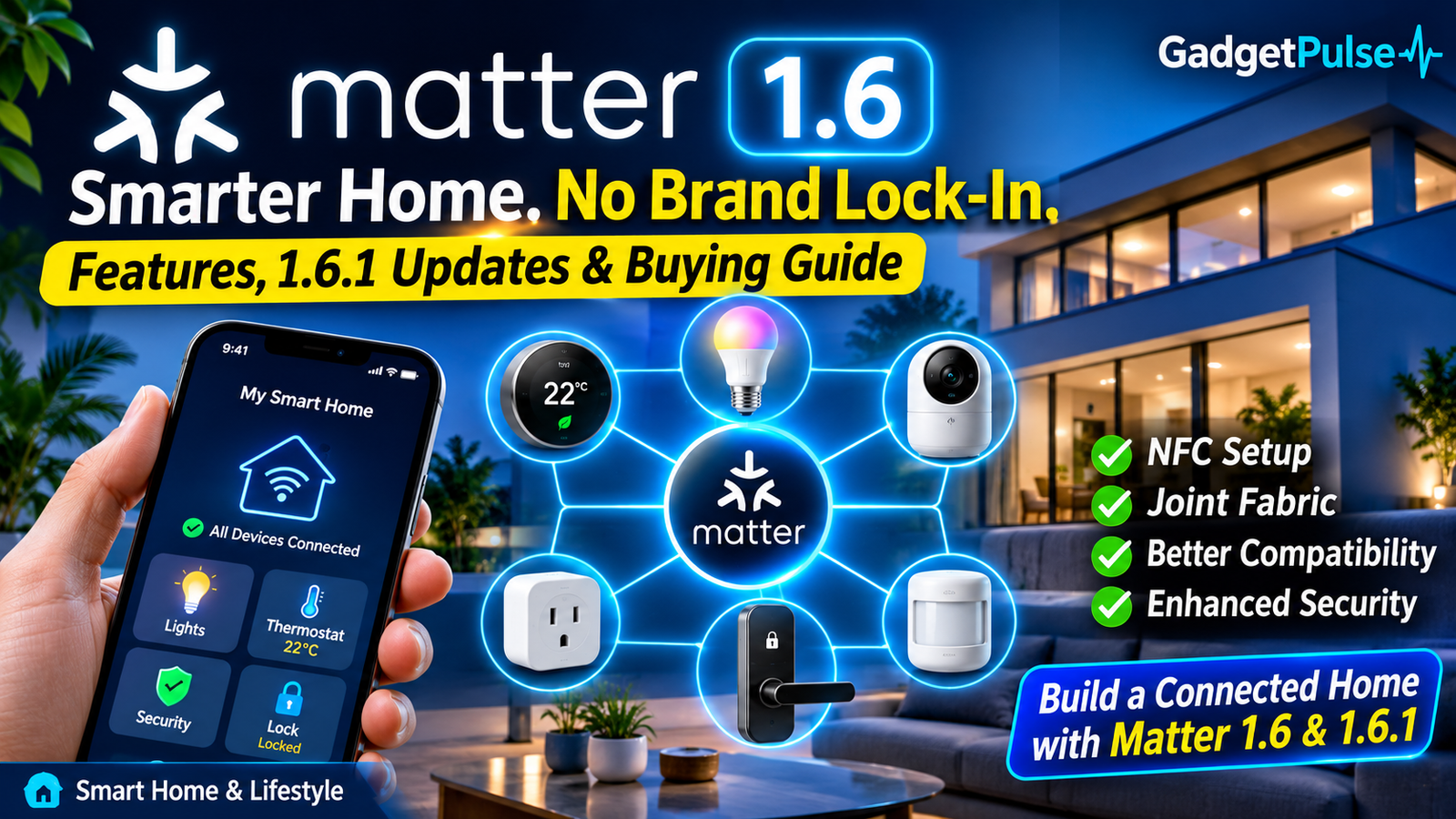
The Matter 1.6 release introduced improvements to device setup, cross-platform management, thermostat control and security information. The Matter 1.6.1 specification documents are also now listed by the CSA, bringing further technical refinements.
In this guide, we explain what Matter does, what changed in Matter 1.6, how the newer 1.6.1 version fits in, and what buyers should check before building a smart home in 2026.
What Is Matter in Smart Home Technology?
Matter is a connectivity standard that allows compatible smart home devices to communicate with supported platforms and controllers.
Instead of relying entirely on separate brand-specific systems, Matter provides a common framework for supported products.
For example, a Matter-certified smart bulb may be controlled through compatible smart home platforms such as Apple Home, Google Home, Amazon Alexa or Samsung SmartThings, depending on the product and platform support.
Matter does not replace these platforms. It helps compatible devices work across them.
The standard uses familiar networking technologies, including Wi-Fi, Ethernet and Thread. Bluetooth Low Energy is also used in common device commissioning processes.
The important point is that Matter is not a smart home app or a wireless network by itself. It is a communication standard that works with supported network technologies.
Matter 1.6: What Is New?
The Connectivity Standards Alliance announced Matter 1.6 on June 17, 2026.
Unlike some earlier Matter updates, version 1.6 does not introduce a new range of device categories. Instead, it focuses on improving how existing compatible devices are configured, shared and managed.
Here are its most important improvements.
1. NFC-Based Commissioning
Setting up a smart home device can sometimes be difficult, especially when the device is installed in a difficult-to-reach location.
Matter 1.6 introduces full NFC-based commissioning using two-way communication.
This means supported devices can be configured through NFC, even before they are fully powered on.
For example, an installer could configure a compatible ceiling light before installing it. An in-wall switch could also be prepared before its final installation.
This is an improvement over earlier NFC onboarding support, which could store setup information on an NFC tag but still relied on Bluetooth Low Energy to complete the process.
Why it matters: NFC-based commissioning could make installation easier for homeowners, electricians and professional smart home installers.
However, both the device and the setup platform must support this feature.
2. Joint Fabric for Better Smart Home Sharing
One of Matter’s main goals is to reduce compatibility problems between different smart home platforms.
Matter 1.6 expands its Multi-Admin capabilities with a feature called Joint Fabric.
Joint Fabric allows multiple authorised controllers to co-administer a shared Matter network.
In simpler terms, supported smart home platforms can manage devices through a shared network rather than requiring completely separate device-management arrangements.
Imagine a household where different family members prefer different smart home platforms. Joint Fabric is designed to make shared device management easier.
Why it matters: It could reduce the complexity of managing compatible smart home devices across multiple platforms.
Joint Fabric still requires support from participating controllers and devices. It does not automatically make every device compatible with every platform.
3. Smarter Thermostat Suggestions
Matter 1.6 also introduces Thermostat Suggestions.
Previously, a connected platform might directly send a command to change a thermostat’s temperature or operating mode.
With Thermostat Suggestions, a compatible controller can instead send a time-limited recommendation.
The thermostat can evaluate that suggestion according to its supported presets, settings and user preferences.
For example, a smart home system could suggest a temperature adjustment based on a schedule or other connected information.
The thermostat remains responsible for evaluating the suggestion.
Why it matters: This approach can make climate-control systems more flexible while allowing users to retain control over their preferences.
4. Better Security Sensor Event History
Security sensors are an important part of a connected home.
Matter 1.6 improves standardised communication of security sensor event history.
This gives compatible platforms access to more information about sensor activity, helping them present a clearer picture of events inside a home.
For example, supported systems may be able to show relevant information about previous sensor activity instead of displaying only a basic current status.
Actual features depend on the sensor and the smart home platform.
5. Smoke and Carbon Monoxide Alarm Status
Matter 1.6 adds support for smoke and carbon monoxide alarms to report an unmounted state.
This means a compatible alarm can indicate when it has been removed from its installed position.
Why is this useful?
A smoke alarm that has been taken down may not provide the expected protection. A connected platform that receives this information can give users a more accurate indication of the device’s status.
This is particularly useful for connected safety systems.
6. Improved Certificate Revocation Management
Matter 1.6 also improves the way certificate revocation information is managed.
It introduces partitioned Certificate Revocation Lists, allowing revocation information to be distributed in smaller, independently updated sections.
This is primarily a technical improvement, but it helps support a more scalable security infrastructure as the number of connected devices increases.
What Is Matter 1.6.1?
Matter 1.6.1 is a later specification update listed by the Connectivity Standards Alliance.
It does not introduce a new set of smart home device categories. Instead, it includes technical refinements to existing functionality.
One important area is Groupcast, which helps controllers send a shared message to multiple compatible devices.
For example, when a user switches on several compatible smart lights together, group communication can help coordinate those devices more efficiently.
The update also includes refinements involving access control, chime functionality and camera-related capabilities.
It is important to understand that a specification update does not automatically mean every smart home product receives these improvements.
Device manufacturers and platform providers must implement and support the relevant features.
Matter 1.6 vs Matter 1.6.1: What’s the Difference?
| Feature | Matter 1.6 | Matter 1.6.1 |
|---|---|---|
| Main focus | New and improved smart home capabilities | Technical refinements |
| NFC commissioning | Introduced | Further specification refinements |
| Joint Fabric | Introduced | Refinements to existing functionality |
| Thermostat Suggestions | Introduced | Existing functionality refined |
| Groupcast | Introduced in the 1.6 development cycle | Further refinements |
| New device categories | No | No |
The key takeaway is that Matter 1.6 introduced important capabilities, while 1.6.1 builds on the existing specification.
Which Smart Home Devices Support Matter?
Matter supports several categories of smart home devices.
Depending on the product and its certification, these can include:
- Smart bulbs and lighting products
- Smart plugs and electrical outlets
- Smart switches and controls
- Door locks
- Thermostats and HVAC controls
- Motion and contact sensors
- Security and safety devices
- Window coverings and compatible shades
- Supported media devices
- Cameras and other newer supported device types
Not every Matter version supports every device type. Some categories were introduced in earlier releases, while others arrived in later updates such as Matter 1.5.
Always check the product’s actual certification and supported features before purchasing.
How to Build a Matter-Compatible Smart Home
You do not need to purchase every smart home device at once. Starting with a few essential products is a more practical approach.
Step 1: Choose a Smart Home Platform
First, decide which platform you want to use as your main smart home controller.
Popular options include:
- Apple Home
- Google Home
- Amazon Alexa
- Samsung SmartThings
Your choice should depend on your existing smartphone, smart speakers, devices and preferred ecosystem.
Step 2: Look for the Matter Logo
When purchasing a new smart home product, look for the official Matter logo on its packaging or product listing.
Do not assume that a product is Matter-compatible simply because it supports Wi-Fi or Bluetooth.
Check the manufacturer’s specifications and certification information.
Step 3: Start With Smart Lighting
Smart bulbs are a convenient starting point for beginners.
A compatible smart bulb can provide app-based control and may work with supported voice assistants and smart home routines.
Before purchasing, check whether the product supports the platform you intend to use.
Step 4: Add Smart Plugs
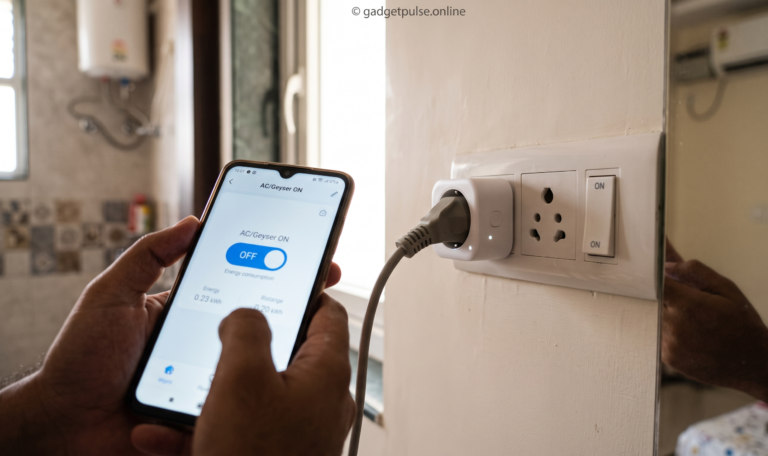
A compatible smart plug can help control certain electrical appliances remotely.
For example, it may be useful for a lamp or another appliance that is suitable for smart plug operation.
However, check the plug’s electrical rating and the connected appliance’s power requirements.
Never use a smart plug with an appliance that exceeds its rated capacity.
Step 5: Expand With Sensors and Other Devices
Once your basic setup is working, you can consider adding compatible motion sensors, door sensors, thermostats and other smart home products.
Check whether the devices require a Matter controller, Thread Border Router or another specific piece of equipment.
Step 6: Check Software and Firmware Updates
Smart home compatibility can improve over time through software and firmware updates.
Keep your devices, apps and controllers updated.
However, do not assume that every older product will receive a Matter update. Manufacturer support varies by model.
Matter Over Wi-Fi vs Matter Over Thread
Matter can operate using different networking technologies.
Two commonly discussed options are Wi-Fi and Thread.
| Comparison | Matter over Wi-Fi | Matter over Thread |
|---|---|---|
| Network | Wi-Fi | Thread mesh network |
| Internet router | Usually uses your Wi-Fi router | Uses a Thread Border Router for network connectivity |
| Typical applications | Many mains-powered smart devices | Many low-power smart home devices |
| Power efficiency | Depends on device and Wi-Fi implementation | Designed for low-power operation |
| Setup requirements | Compatible Wi-Fi network and controller | Compatible Thread network and controller |
Thread is designed for low-power connected devices and uses a mesh networking approach.
A Thread Border Router connects the Thread network with the wider home network.
Not every Matter controller automatically includes Thread Border Router functionality. Check the hardware specifications before buying.
Is Matter Better Than Brand-Specific Smart Home Systems?
Matter offers an important advantage: interoperability between supported devices and platforms.
But it does not eliminate every compatibility limitation.
Some manufacturers may still offer additional features through their own apps. Certain advanced controls, automations or device-specific functions may not be available through every Matter-compatible platform.
For this reason, buyers should consider both Matter compatibility and the manufacturer’s own software ecosystem.
A good buying decision is not simply about choosing the newest Matter version. It is about choosing products that work with the features you actually need.
What Should Indian Buyers Check Before Purchasing Matter Devices?
Matter is relevant to Indian smart home buyers, but checking product specifications is especially important when purchasing devices from international brands or online marketplaces.
Keep these points in mind:
1. Check the Matter certification
Look for the official Matter logo and confirm the exact product model.
2. Check electrical compatibility
For smart plugs and switches, verify voltage, current rating, plug type and electrical safety requirements.
3. Check Wi-Fi requirements
Some products support only specific Wi-Fi bands. Check the manufacturer’s requirements before purchasing.
4. Check the smart home controller
Confirm whether your existing smart speaker, hub or other controller supports the required Matter features.
5. Check Thread requirements
If you want a Thread-based device, verify whether you already have a compatible Thread Border Router.
6. Check regional availability and warranty
A product sold internationally may have different warranty coverage or support conditions in India.
7. Do not buy based on future promises alone
If a manufacturer says that a feature will arrive through a future update, treat it as a planned possibility rather than an available feature.
Is Matter 1.6 Worth Paying Attention to in 2026?
Yes. Matter 1.6 is an important step in improving the smart home experience.
Its NFC-based commissioning, Joint Fabric and thermostat improvements address practical problems that can make connected homes difficult to manage.
Matter 1.6.1 also shows how the standard continues to evolve through technical refinements.
However, the real-world experience depends on how quickly manufacturers and smart home platforms implement these features.
For consumers, the best approach is to purchase certified products that support their existing setup today, while considering future compatibility as an additional benefit.
A smarter home should make everyday life easier, not force users to manage multiple disconnected systems.
Frequently Asked Questions (FAQs)
1. What is Matter in smart home technology?
Matter is an industry-wide smart home connectivity standard designed to help compatible devices communicate across supported smart home platforms.
2. What is the latest Matter version?
The CSA’s specification downloads page lists Matter 1.6.1 alongside the Matter 1.6 documents. Matter 1.6 was officially announced on June 17, 2026.
3. What are the main features of Matter 1.6?
Its main improvements include NFC-based commissioning, Joint Fabric, Thermostat Suggestions, security sensor event history and improved device status communication.
4. What is Matter 1.6.1?
Matter 1.6.1 is a later specification update that refines existing functionality, including Groupcast and other technical areas. It does not introduce new device categories.
5. Does Matter work with Google Home?
Matter-compatible devices can work with Google Home when the specific device and Google Home setup support the required Matter functionality.
6. Does Matter work with Amazon Alexa?
Yes, supported Matter devices can work with compatible Amazon Alexa devices and setups. Check the manufacturer’s compatibility details.
7. Does Matter work with Apple Home?
Apple Home supports Matter accessories, but the exact features available depend on the accessory, software version and supported Apple home configuration.
8. Do Matter devices need the internet?
Matter devices can communicate locally over supported home networks. However, remote access, cloud services and certain manufacturer-specific features may require an internet connection.
9. Is Thread the same as Matter?
No. Matter is a smart home communication standard, while Thread is a low-power networking technology that Matter can use.
10. Do all Matter devices support Thread?
No. Matter devices can use different networking technologies, including Wi-Fi, Ethernet and Thread. Check the individual product specifications.
11. Can older smart home devices receive Matter updates?
Some manufacturers may offer firmware updates for selected older devices, but not every product is upgradeable. Check the manufacturer’s official support information.
12. Should I buy Matter-compatible smart home devices in 2026?
Matter-compatible devices can be a good choice if they support your preferred smart home platform and the features you need. Always verify the exact model, certification and hardware requirements before purchasing.
Final Verdict
Matter is helping the smart home industry move towards better interoperability and simpler device management.
Matter 1.6 brings useful improvements to setup, sharing and connected-device management, while Matter 1.6.1 continues refining the underlying specification.
For buyers, the most important lesson is to check actual device compatibility instead of relying only on marketing claims.
Choose certified products, confirm platform support and build your smart home gradually. That is a more practical way to create a connected home without becoming dependent on a single brand.