
If you love playing heavy mobile games like BGMI, Call of Duty: Mobile, or Genshin Impact, you already know the two biggest enemies of a mobile gamer: slippery touch controls and an overheating phone. After 30 minutes of intense gaming, frame drops and sweaty fingers can easily ruin your winning streak.
That is where hardware add-ons like mechanical gaming triggers and smartphone cooling fans come into play. But do these budget accessories actually improve your gameplay, or are they just flashy gadgets? Let’s find out.
Why Touch Controls and Overheating Hold You Back
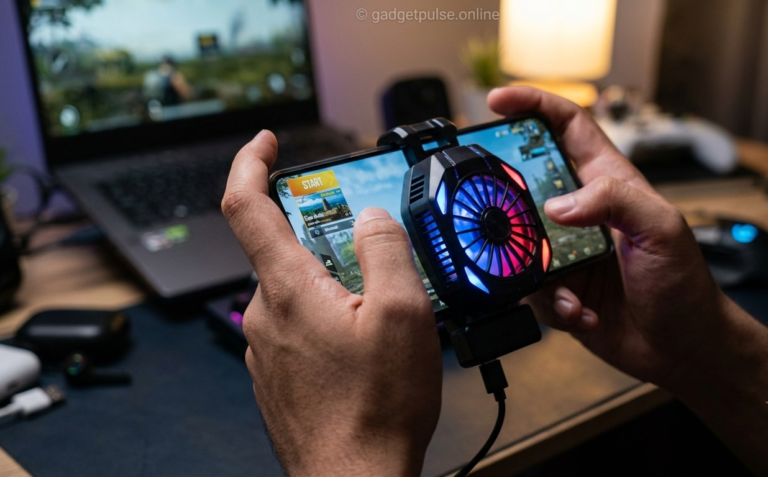
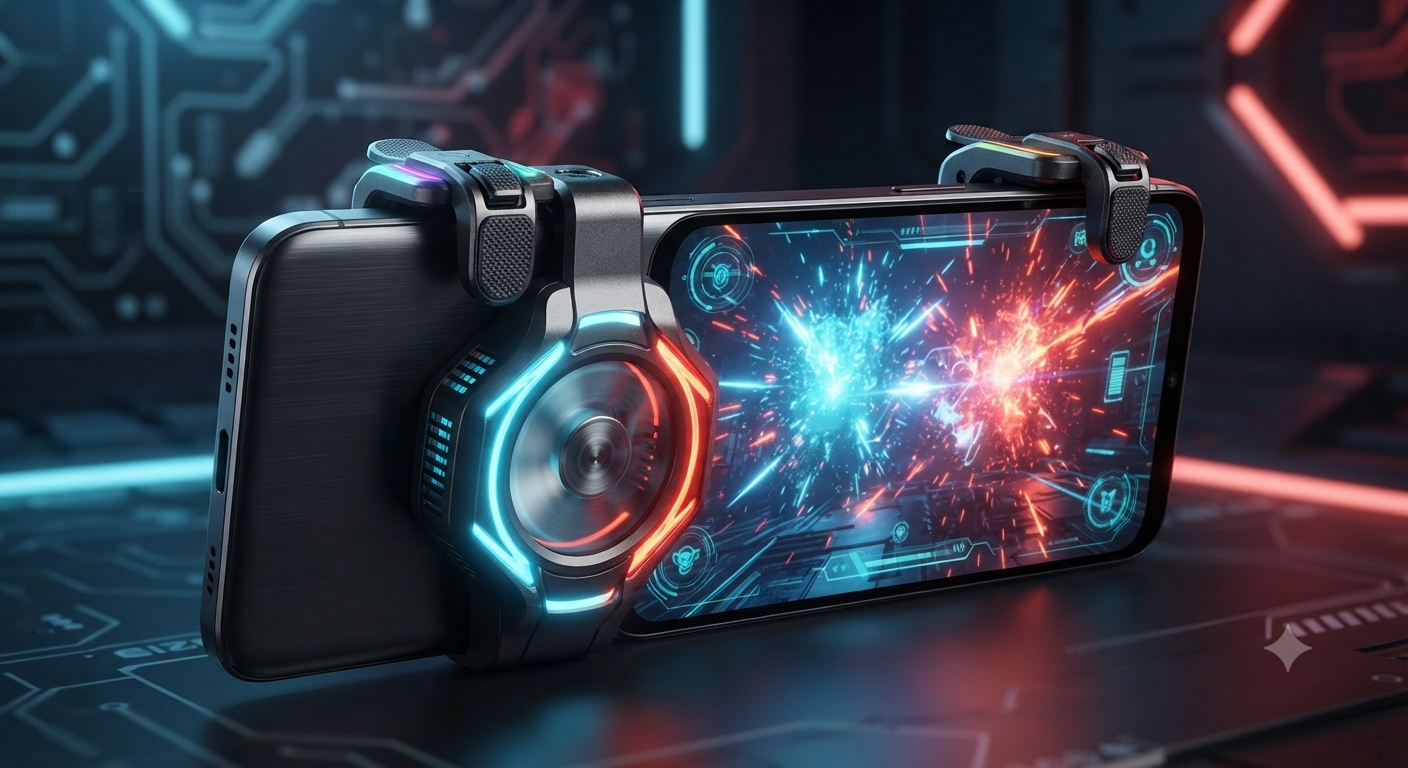
Glass screens offer zero tactile feedback. When you are trying to aim, shoot, and move simultaneously using on-screen buttons, your thumbs block part of the display, and sweat often causes missed inputs. Furthermore, high graphics settings push the processor to heat up, triggering thermal throttling (which causes sudden lag and stuttering). A clip-on cooler paired with physical shoulder triggers solves both problems instantly.
Key Features to Check Before Buying Gaming Triggers & Coolers
- Mechanical Micro-Switches: Look for triggers that give a satisfying “mouse-click” sound and feel, ensuring zero latency and instant response.
- Semiconductor Cooling Technology: Avoid simple fan-only coolers if you play heavy games; look for semiconductor (Peltier) cooling plates that drop the phone’s temperature within seconds.
- Ergonomics & Compatibility: Ensure the triggers fit your phone’s thickness comfortably without accidentally pressing the power or volume buttons.
Frequently Asked Questions (FAQs)
Q1. Do mobile gaming triggers cause any scratches on the phone screen?
Answer: Quality triggers use soft silicone or rubber padding at the contact points, ensuring your screen and body remain completely safe from scratches.
Q2. Do smartphone coolers really help stop frame drops during gaming?
Answer: Yes, absolutely! By keeping the processor temperature low, coolers prevent thermal throttling, which ensures stable frames per second (FPS) and smooth gameplay during long sessions.
Q3. Do I need to remove my phone case to use these triggers and coolers?
Answer: Most clip-on triggers and coolers work fine with slim cases, but for the best grip and cooling contact, it is always recommended to use them on a bare phone or a ultra-thin case.
Q4. Do these triggers require Bluetooth or charging?
Answer: Mechanical shoulder triggers do not require any battery or Bluetooth—they work purely through physical capacitive contact. However, semiconductor cooling fans require a continuous USB-C power source (like a power bank or charger).
Q5. Are these accessories compatible with both Android and iPhones?
Answer: Yes, almost all universal mobile gaming triggers and adjustable magnetic/clip-on coolers are designed to fit a wide variety of Android and iOS smartphones.
Final Verdict
If you are serious about mobile gaming and want to gain a competitive edge without spending a fortune on a dedicated gaming phone, investing in a good set of triggers and a cooling fan is a total game-changer.